UiPath competitors at a glance
Why teams look beyond UiPath
UiPath earns its reputation in large-scale enterprise environments. The operational realities that come with it don't fit every team:
- Pricing scales fast. Unattended robot licenses list at $8,000 to $10,000 per robot annually, with mid-market deployments typically running $150,000 to $500,000 per year all-in.
- Implementation is heavy. Services add 50 to 150% of first-year license costs: $50,000 to $100,000 for small deployments, $150,000 to $500,000+ for programs with 20+ robots.
- The talent pool is thin. Skilled UiPath developers average over $100,000 per year, with top earners reaching over $130,000. The learning curve is steep and time-to-hire runs long.
A healthcare organization deploying 10 unattended robots for credentialing automation can expect $80,000 to $100,000 annually in robot licenses alone, plus $40,000 to $150,000 in first-year implementation services. That's before user licenses, Platform Units, AI Center consumption, or ongoing developer maintenance.
For lean ops teams whose workload is concentrated in browser-based portals, those constraints stack against the value the platform delivers.
TL;DR: Which UiPath alternative should you choose?
- Choose Microsoft Power Automate if your workflows live inside Microsoft 365 and you want automation that fits inside an existing EA.
- Choose Automation Anywhere if you're a large enterprise evaluating UiPath head-to-head and want a direct competitor at a similar price point.
- Choose Make.com if your workflows are API-based and your stack runs on SaaS tools like HubSpot, Stripe, and Slack.
- Choose Kaizen if your biggest ops cost is staff doing repetitive portal work: credentialing, prior auth, and payer portal submissions.
- Stick with UiPath if you're a large enterprise with a dedicated RPA team, multi-department automation needs, and budget to match.
The best UiPath competitors
Here's what each tool does well, where it falls short, and the kind of operation it's built for.
1. Microsoft Power Automate: Best UiPath alternative for Microsoft-stack teams
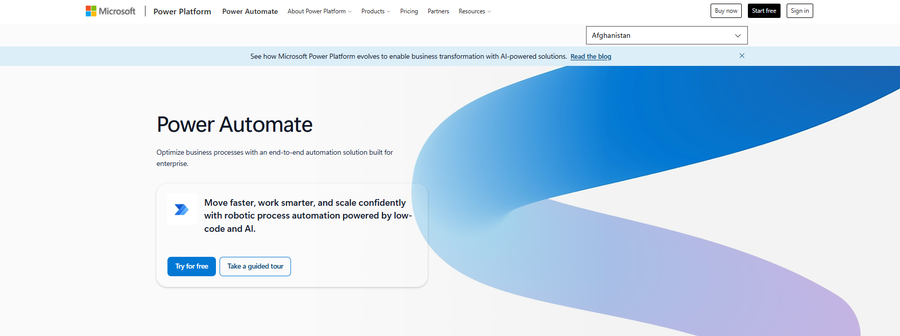
Microsoft Power Automate is the most natural UiPath alternative for organizations already running on Office 365. It's built around the Microsoft stack, with seat-based pricing that's simpler to budget for than UiPath's robot or consumption model.
Key features
- Native Microsoft 365 integration: Connect Outlook, Teams, SharePoint, and Dynamics without third-party connectors or middleware.
- Power Automate Desktop: Record and replay desktop and browser actions for traditional RPA workflows.
- AI Builder: Add document processing, prediction, and form recognition to flows without a separate license.
Pros
- No separate procurement cycle; Power Automate slots into existing Microsoft 365 environments alongside SharePoint, Teams, and Outlook.
- Seat-based pricing fits inside an existing Microsoft EA, which usually means faster finance approval.
- Holds up well for finance and RCM workflows that already live inside Microsoft: Excel reporting, Outlook approvals, and SharePoint denial tracking.
Cons
- CAQH, Availity, payer portals, and state licensing boards aren't natively supported.
- Unattended automation requires the Process plan ($150/bot/month) or Hosted Process ($215/bot/month), a steep step up from the $15/user/month entry point.
- The low-code promise breaks down on dynamic forms, 2FA, and portals that update their UI quarterly.
Best for
- Finance and HR teams running Excel-to-Outlook reporting workflows
- IT departments automating onboarding inside Office 365
- Mid-market companies already standardized on Microsoft
Pricing
- $15/user/month (paid yearly) for Power Automate Premium
- $150/bot/month (paid yearly) for Power Automate Process
- $215/bot/month (paid yearly) for Power Automate Hosted Process
- Free trial available (30 days, standard connectors only)
- Enterprise pricing available via Microsoft sales
2. Automation Anywhere: Best UiPath alternative for enterprise RPA at scale
Automation Anywhere competes with UiPath head-to-head at the enterprise tier. The platform shares UiPath's strengths in unattended automation, document processing, and multi-system orchestration, plus its weaknesses on cost and implementation lift.
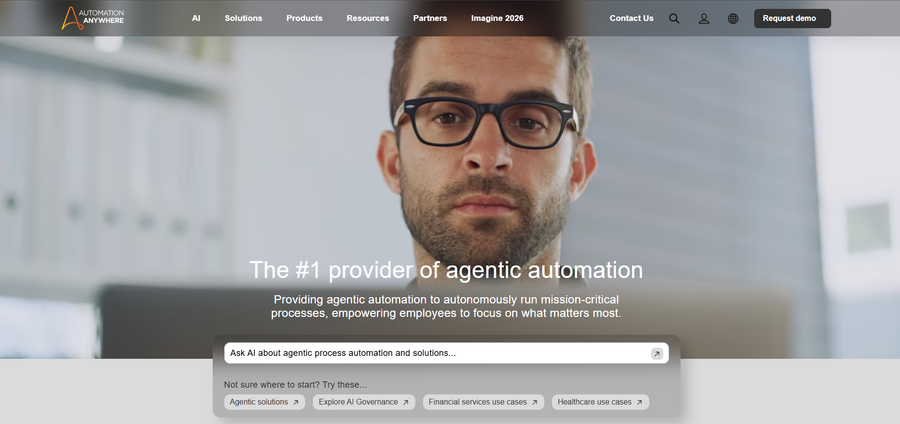
Buyers typically compare the two on UI preference, partner ecosystem, and existing vendor relationships rather than capability gaps.
Key features
- Cloud-native architecture: Run bots in the cloud without on-premise infrastructure.
- Document Automation (IDP): Extract structured data from invoices, claims, and forms using AI.
- Bot Store ecosystem: Pre-built bots and connectors maintained by Automation Anywhere and partners.
Pros
- Cloud-native by default, which reduces IT lift for health systems that want enterprise RPA without managing on-premise bot infrastructure.
- Document Automation handles EOBs, CMS-1500s, and prior auth cover sheets with better extraction accuracy than generic OCR on payer-specific layouts.
- Mature partner ecosystem means most health systems can find an SI with healthcare deployment experience without much hunting.
Cons
- Pricing follows the same contour as UiPath: six-figure annual commitment, separate line items for runtime and bot licenses, multi-year term required for better unit economics.
- Production deployments still require a Bot Developer or a partner with one on the bench.
Best for
- Large enterprises evaluating UiPath head-to-head
- Document-heavy workflows like claims processing and invoice automation
- Organizations with existing Automation Anywhere licenses or partner relationships
Pricing
- Quote-based
- Enterprise deployments typically land in the same range as UiPath: $150,000 to $500,000+ per year, fully loaded
3. Make.com: Best UiPath alternative for SaaS workflow automation
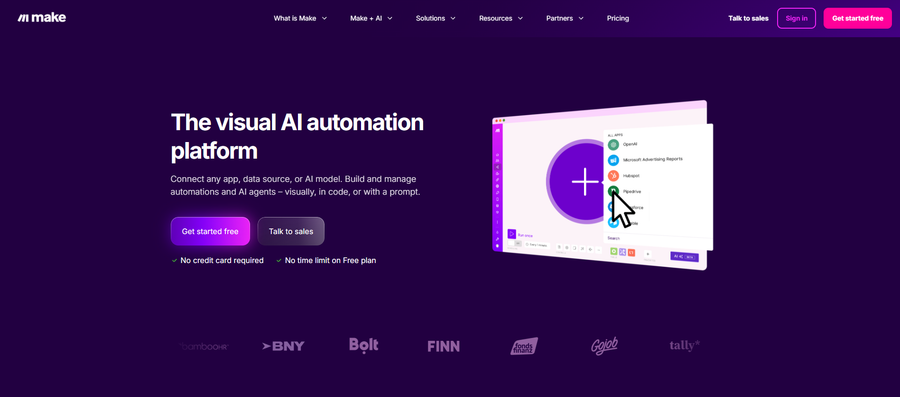
Make.com is an integration automation tool built for connecting cloud apps through APIs. This makes it a strong fit for SaaS-heavy ops work, and a non-starter for anything that requires a real browser session.
Key features
- Visual scenario builder: Drag-and-drop interface for building multi-step workflows across cloud apps.
- 3,000+ pre-built integrations: Native connectors for HubSpot, Stripe, Slack, Airtable, and most major SaaS platforms.
- Modular routing and error handling: Build branching logic and fallback paths without code.
Pros
- Cheapest entry point on this list at $12/month, with a free tier that's usable for low-volume workflows before asking for budget.
- A revenue cycle analyst comfortable in Excel can wire up a HubSpot-to-Slack workflow in an afternoon without a developer ticket.
- Strong fit for SaaS-adjacent work: lead routing, billing platform sync, intake form data into the data warehouse.
Cons
- API-only; CAQH, Availity, payer portals, and state licensing boards don't expose the kind of APIs Make.com depends on.
- Error handling on long-running scenarios is thinner than enterprise RPA; a failed step mid-batch usually means manual cleanup.
- Complex multi-step workflows with branching logic and error handling get unwieldy quickly compared to enterprise RPA.
Best for
- SaaS-heavy startups syncing HubSpot, Stripe, and Slack
- Marketing operations automating lead routing and CRM updates
- Teams whose workflows live entirely behind APIs
Pricing
- Free tier available
- Core: $12/month
- Pro: $21/month
- Teams: $38/month
- Enterprise: custom pricing
4. Kaizen: Best UiPath alternative for healthcare portal automation
Kaizen automates the web-based portal work that drains healthcare ops staff hours. That includes credentialing across CAQH and payer portals, prior authorization on Availity, claims status checks, and license verification across state boards.
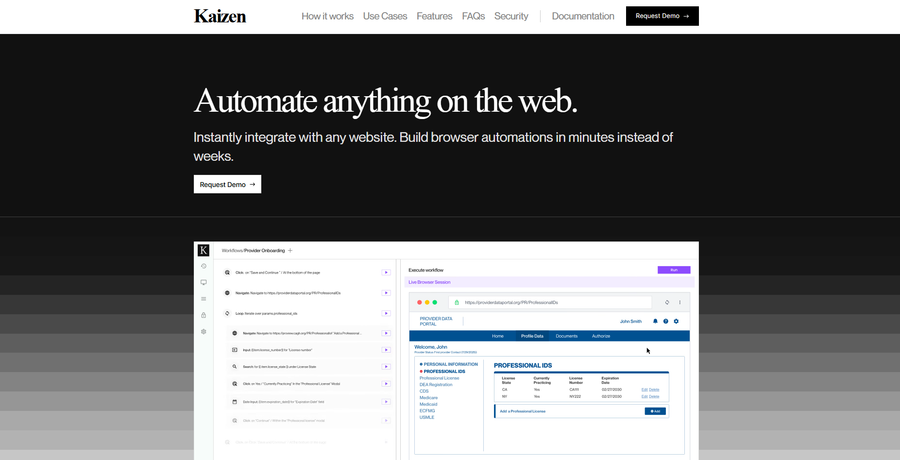
Workflows are defined in plain English by ops staff rather than RPA developers, which removes the talent bottleneck UiPath buyers consistently cite as a problem.
Key features
- Plain-English workflow definition: Ops staff write automations like SOPs. No code, no developer queue.
- Deterministic execution: Workflows run identically every time through code generation rather than unpredictable AI inference.
- Built-in authentication handling: CAPTCHAs, 2FA (email, TOTP, SMS), and complex dynamic forms work out of the box.
Pros
- Built for the portals that drive healthcare ops volume: CAQH, Availity, United, Aetna, and state licensing boards.
- Handles dynamic forms, 2FA, and CAPTCHAs that break generic RPA.
- Pricing runs at roughly one-third the loaded cost of the FTEs whose work gets automated.
Cons
- Browser-based work only. Kaizen automates anything that runs in a web browser. Software that runs as a desktop application isn't covered.
- You have to standardize your workflow before automating it. Kaizen automates the exact steps you teach it. Processes that vary from person to person or day to day need to be locked down first.
Best for
- Digital health companies scaling provider rosters across multiple payers
- ABA practices managing prior authorization volume
- Credentialing and RCM teams whose biggest cost is staff doing repetitive portal work
Pricing
- $3,000-$7,000 per month, structured against labor cost saved
- Free POC available, plus a one-month paid pilot
How to evaluate UiPath alternatives
Three questions determine the right choice.
What does the workload look like?
A health system automating claims processing, EHR data entry, and finance workflows across 12 departments needs enterprise RPA. A digital health company onboarding 50 providers per quarter (each triggering credentialing across CAQH and 15 payer portals) needs browser automation built for that work.
The split is workload concentration. Broad, multi-department work spanning desktop apps, legacy systems, and APIs points to UiPath, Automation Anywhere, or Power Automate. Work concentrated in browser-based portals points to browser-specific automation.
What does the team look like?
Hiring a UiPath developer costs north of $100,000 per year on average, with top earners over $130,000. That cost, combined with a thin talent pool, pushes time-to-hire well past the timeline most credentialing teams have to get portal automation live.
Enterprise RPA assumes an in-house RPA function or a vendor partner. Browser automation platforms that let ops staff define workflows in plain English remove the developer dependency entirely and deliver results in days, not quarters.
What does the budget look like?
A credentialing specialist's average base salary is around $53,000. Loaded cost with benefits and overhead lands between $66,000 and $85,000 per FTE.
Browser automation at $5,000 per month runs $60,000 annually, less than one specialist, while producing the throughput of two to three.
Pick the model that matches what's actually being replaced: a department or a workflow.
Stop paying enterprise prices for portal work
UiPath is built for a bigger problem than most healthcare ops teams have. For a credentialing or RCM team whose workload is CAQH updates, payer portal logins, and prior auths, the licensing cost and implementation lift don't hold up.
The right alternative depends on the work. Microsoft-stack organizations fit Power Automate. Large enterprises evaluating UiPath head-to-head should look at Automation Anywhere. SaaS-heavy operations are better served by Make.com.
Healthcare ops teams whose highest cost is staff doing portal work get more from browser automation built for that exact problem. Book a call to see how Kaizen handles your portal workload.
Frequently asked questions
What is the cheapest UiPath alternative?
The cheapest UiPath alternative is Make.com, starting at $12 per month for SaaS workflow automation. Microsoft Power Automate starts at $15 per user per month for Microsoft-stack RPA. Both come in below UiPath's Standard or Enterprise tiers, though they cover different use cases.